



Brand: SMARTY Trend
Reference: S360A/B
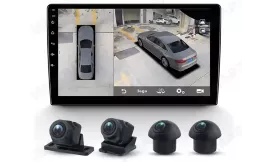
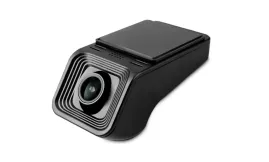
Audi BMW Mercedes-Benz 360 Degree Bird View Cameras Surround View System for SMARTY Trend Head Units Radios Multimedia
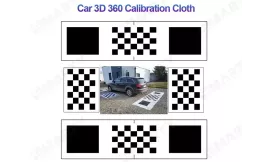
Calibration Cloth (Mats) Are NOT Included

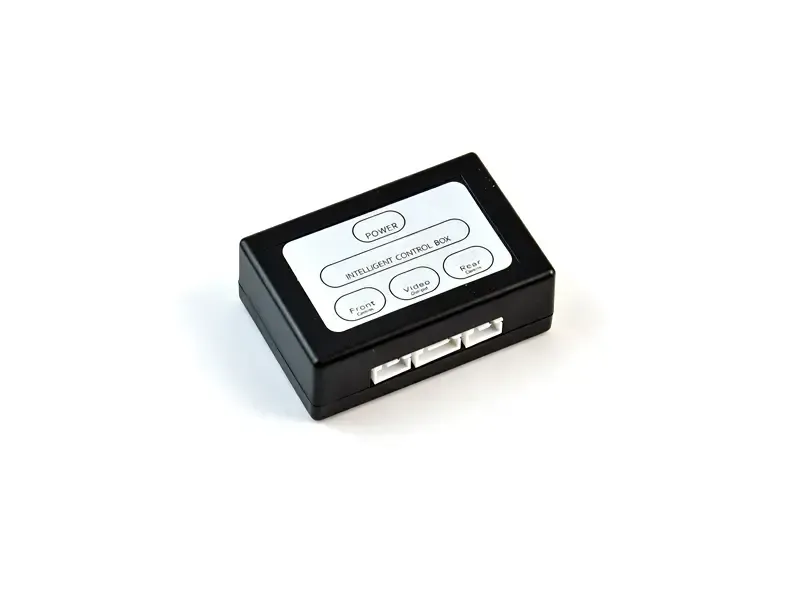
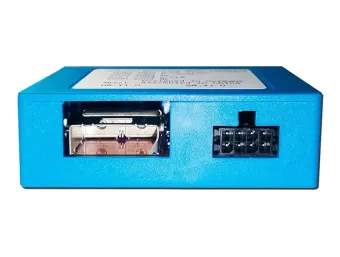
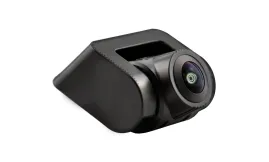
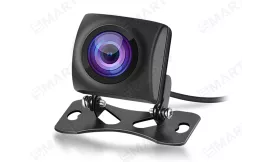
Blind spot management and safe parking in tight spaces are critical aspects for every driver. Most factory and Android head units feature only one dedicated video input for a rearview camera (CAM-IN / REAR-CVBS). The smart SMARTY Trend (Dual Camera Switching Module) solves this issue by combining front and rear cameras into a single intelligent system without requiring complex switches or replacing the head unit.
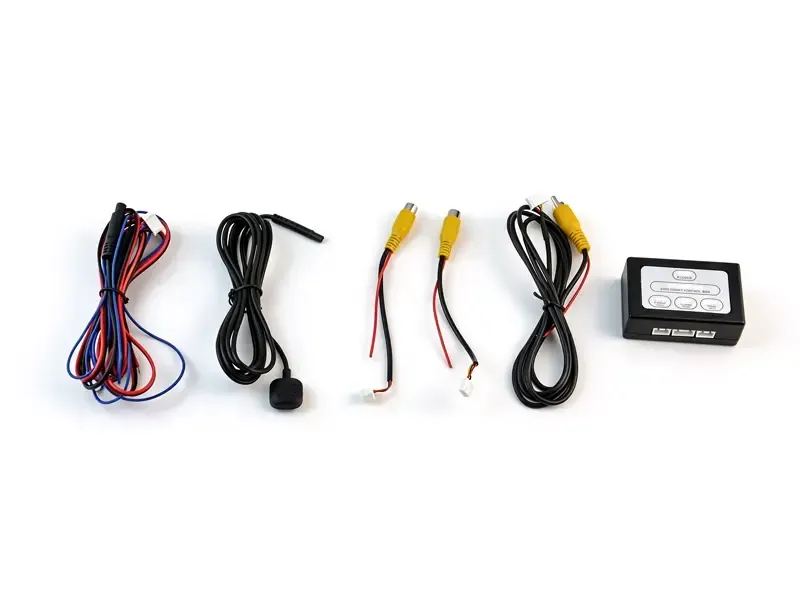
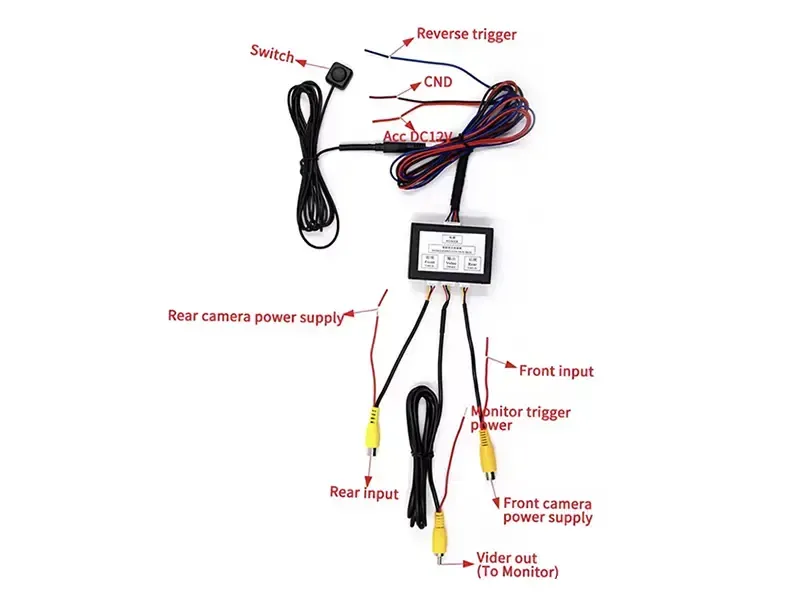
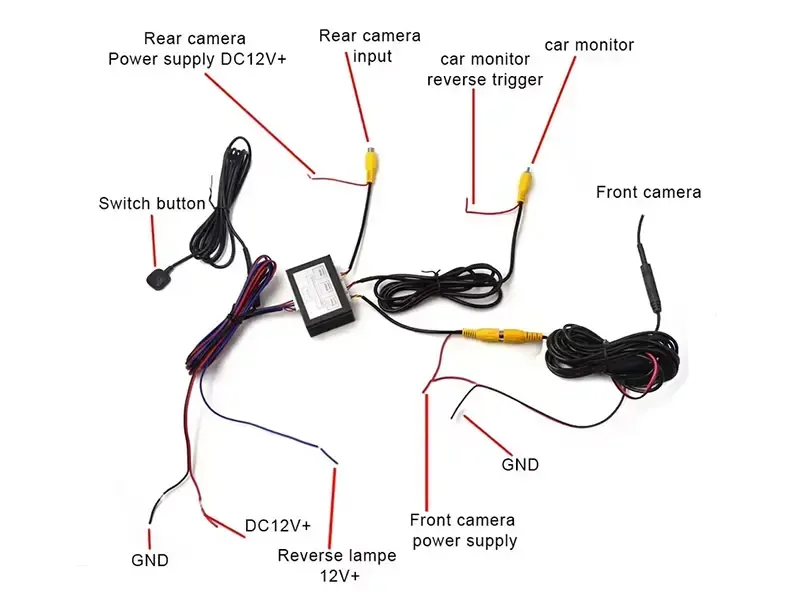
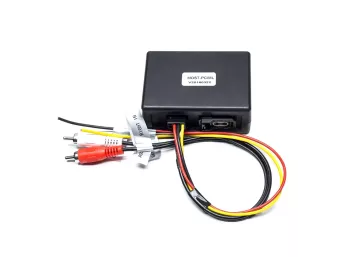
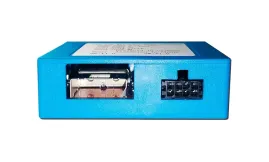
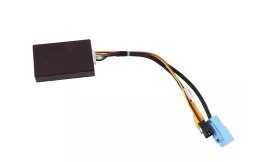
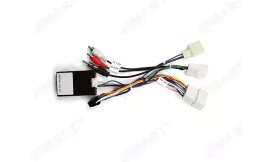
SMARTY Trend Dual Camera Switching Module is an intelligent video signal switcher designed to connect both front and rear view cameras to a single video input on an Android head unit.
The module automatically manages image priority: engaging reverse gear activates the rear camera, while shifting out of reverse automatically turns on the front camera for 10 seconds to ensure effortless parking. An external button is also provided for manual front camera activation at any time while driving.
Blind spot management and safe parking in tight spaces are critical aspects for every driver. Most factory and Android head units feature only one dedicated video input for a rearview camera (CAM-IN / REAR-CVBS). The smart SMARTY Trend (Dual Camera Switching Module) solves this issue by combining front and rear cameras into a single intelligent system without requiring complex switches or replacing the head unit.
| Parameter | Specification |
|---|---|
| Compatibility | All SMARTY Trend Android head units and universal aftermarket car stereos with RCA (CVBS) video input |
| Supported Video Formats | NTSC / PAL |
| Operating Voltage | 12V DC |
| Operating Current | Up to 50 mA |
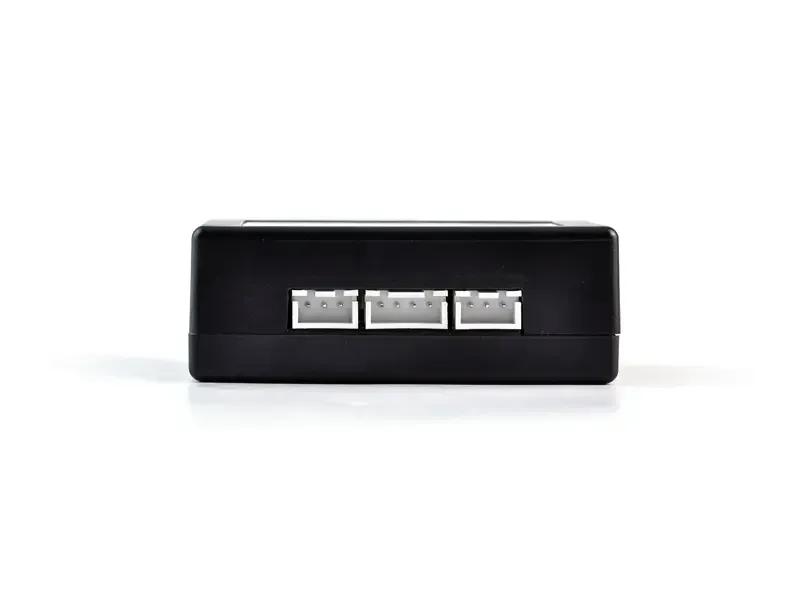
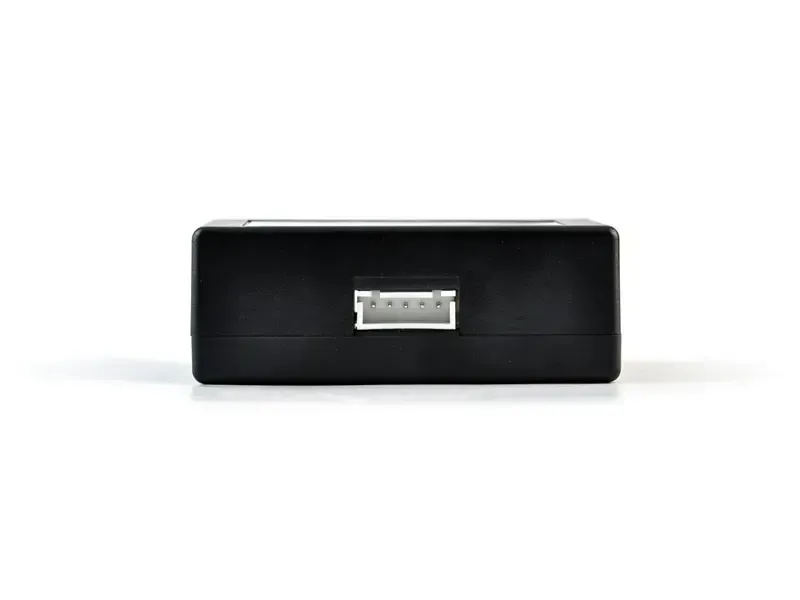
| Video Inputs | 2 × RCA (Front Camera, Rear Camera) |
| Video Output | 1 × RCA (to Head Unit) |
| Control Method | Automatic (+12V reverse trigger) + External push button |
Can I keep my existing rear camera?
Yes. The control box is designed to work seamlessly with your current rear camera while adding front camera capability.
Can I use it with an aftermarket Android head unit?
Yes. It is fully compatible with third-party Android car stereos and universal units equipped with RCA video inputs.
Can I switch to the front camera while driving?
Yes. Simply press the external control button to activate the front view, and press it again to exit.
What happens when I shift into reverse?
The rear camera automatically takes full priority. However, you can still switch to the front camera manually using the button if needed.
Who is this camera control box for?
It is ideal for both new installations and drivers with existing Android head units. Perfect for tight parking, navigating driveways, and eliminating front blind spots near high curbs.
Please sign in first.
Sign in







 EN
EN DE
DE
 ES
ES
 FR
FR
 IT
IT
 NL
NL
 PL
PL
 PT
PT
 RU
RU
 - SMARTY Trend&media=https://smarty-trend.com/19011-large_default/dual-camera-switching-module.jpg)